
OMT Training · Student information
Guide to Accessing Your Online Pre-Reading Courses
Before attending your practical course, please follow these instructions to register or sign in and access your online pre-reading materials.
Access your pre-reading in five steps
- Visit the website. Go to online.omttraining.co.uk.
- Create or access your account
New to OMT Online?
Click Sign Up in the top-right corner of the website and complete your registration.
Already have an account?Click Sign In and use your existing account. There is no need to register again.
Important: Avoid creating multiple accountsWhere possible, use the same email address you used when purchasing your practical course. This helps us add your online courses to the correct account after your practical course.
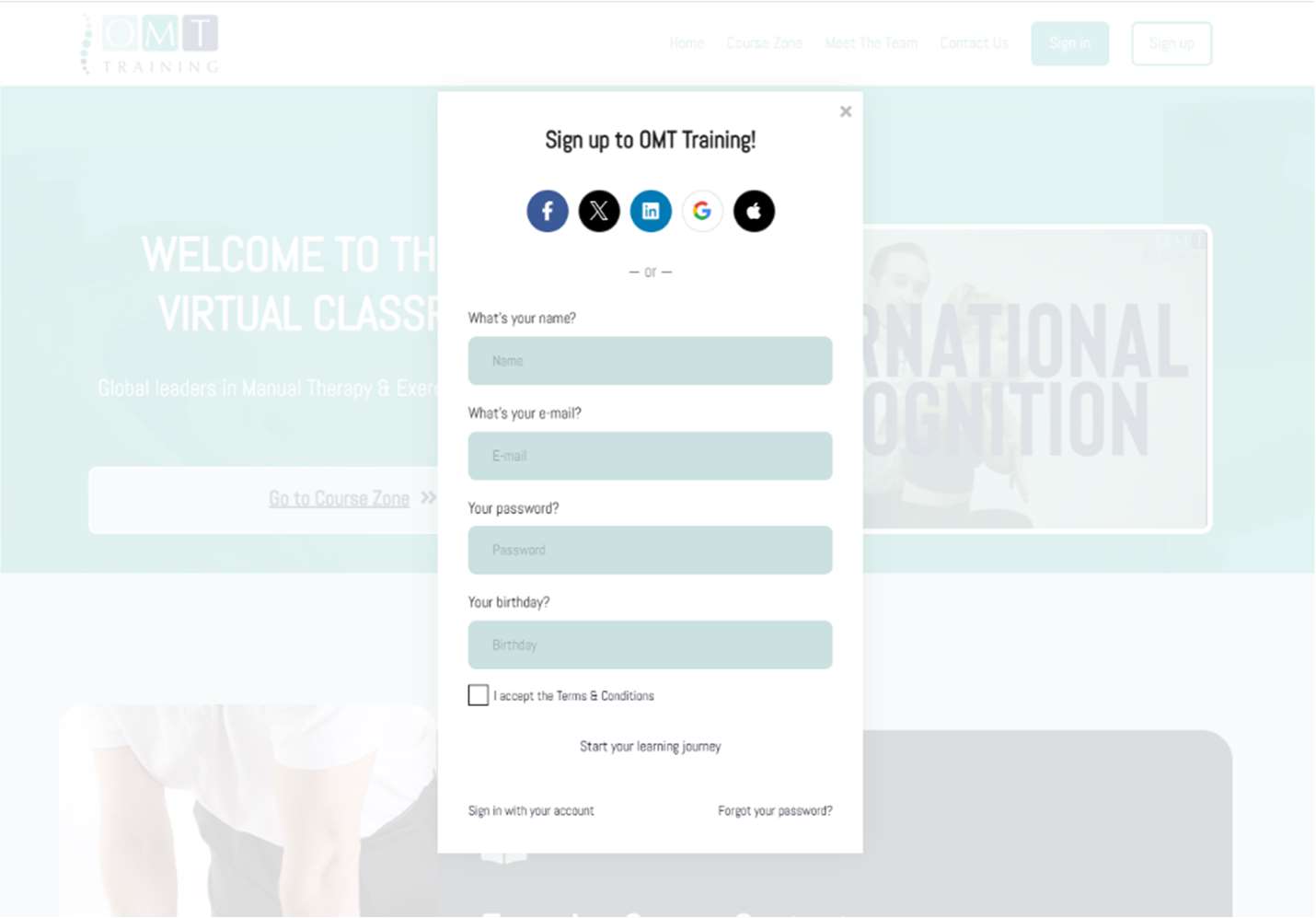
Account registration: select Sign Up when creating your OMT Online account. - Complete your profile. Fill in all required registration details accurately.
- Open the Free Courses Zone. Once you are signed in, navigate to the Free Courses Zone section.
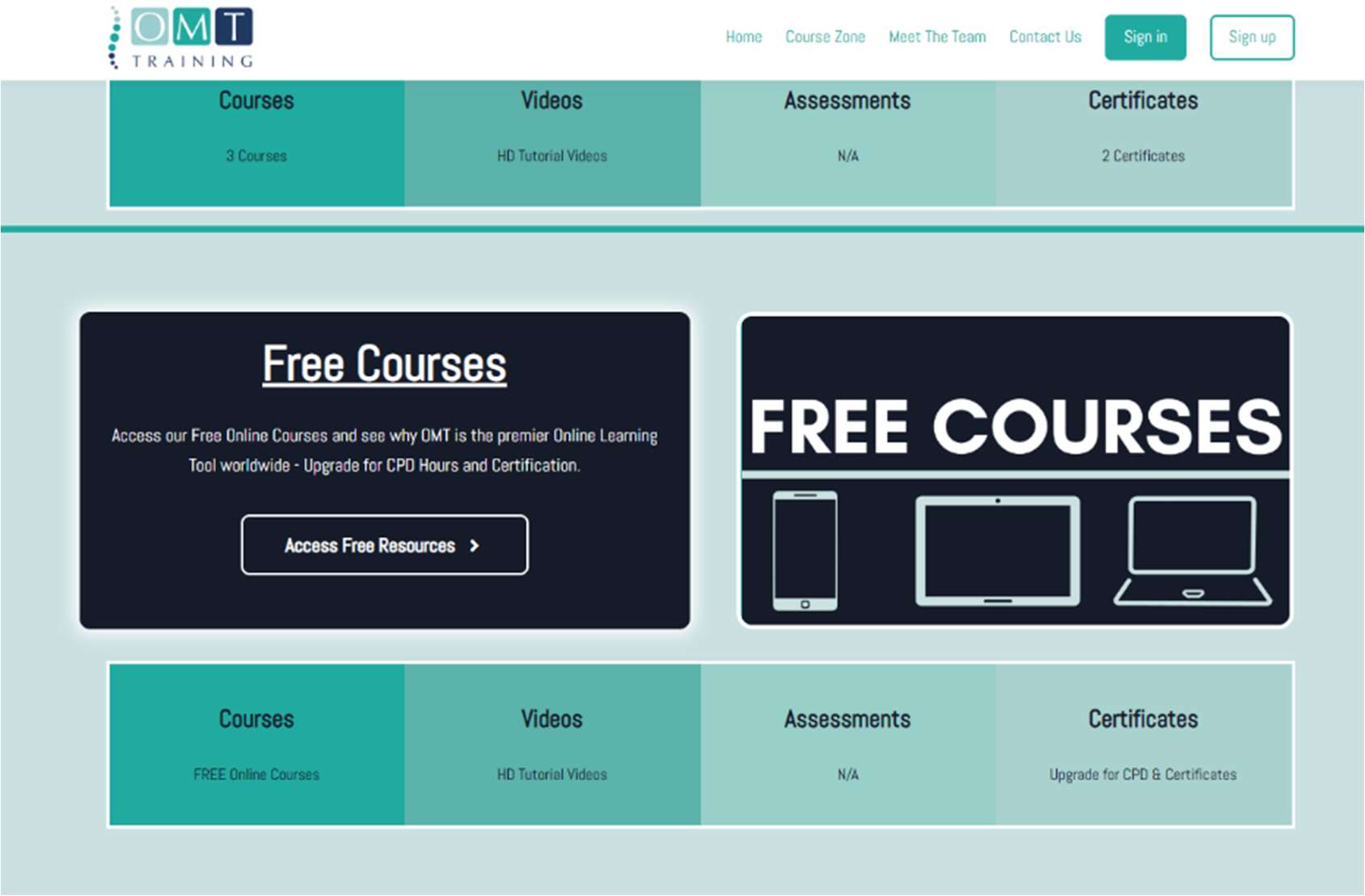
Find and open the Free Courses Zone after signing in. - Select and join the pre-reading courses. Follow the directions on screen to choose the relevant courses. You need to join each course individually.
Need help accessing your pre-reading?
If you have any difficulty registering, signing in or joining a course, contact the OMT Training support team at bookings@omttraining.co.uk.